
Working in interior design from your own place is totally doable these days. With the internet, you can connect with clients and create amazing spaces without ever leaving your home office. This guide is all about helping you figure out how to make online interior design work for you, from setting up your space to finding clients and actually doing the work. Let's get you set up for success in the world of remote design.
Key Takeaways
- The shift to remote work means more chances for interior designers to work from anywhere, offering a more flexible career path.
- Having the right digital tools, like project management and communication software, is super important for smooth online interior design work.
- Setting up a dedicated, organized, and comfortable home office space really helps with focus and productivity.
- Clear communication and good collaboration skills are vital when working with clients and teams online.
- Building your online presence through a portfolio and social media is key to finding and attracting new clients for your online interior design work.
Embracing the Remote Interior Design Landscape
The way we design homes is changing, and a big part of that is working from our own spaces. It's not just a trend anymore; it's becoming a standard way of doing business for interior designers. This shift means we can connect with clients and projects from pretty much anywhere, which is pretty wild when you think about it.
Understanding the Rise of Remote Work
Remember when working from home felt like a special perk? Well, that's mostly gone now. The pandemic really kicked things into high gear, and companies realized that a lot of jobs, especially design work, don't actually need you to be in a specific office building. For interior designers, this means you can take on clients across the country, or even across the globe, without ever leaving your home office. It's opened up a whole new world of possibilities, letting us work with people we might never have met otherwise. Plus, no more stressful commutes or fighting for parking spots – that's a win in my book.
Benefits of a Flexible Design Career
One of the biggest draws of remote interior design is the flexibility it offers. You get to set your own hours, which is fantastic for balancing work with, you know, life. Maybe you're a morning person who likes to get a head start, or perhaps you prefer to work later in the day. Remote work lets you design your schedule around your personal needs and peak productivity times. This freedom can lead to a better work-life balance, reducing stress and burnout. It also means you can create a workspace that truly inspires you, whether that's a minimalist setup or a cozy nook filled with plants and art. You're not tied to a corporate office's aesthetic anymore; your workspace is your own.
Navigating the Digital Design Environment
Working remotely means getting comfortable with a lot of digital tools. We're talking about project management software to keep everything organized, communication apps to chat with clients and teams, and of course, design software to actually create the visuals. It's important to get good at these. Think of it like this:
- Communication Platforms: Tools like Slack or Microsoft Teams are great for quick chats and team updates.
- Video Conferencing: Zoom or Google Meet are your go-to for client meetings, allowing for face-to-face interaction even when miles apart.
- Design Software: Programs like AutoCAD, SketchUp, or even more accessible options like Canva are key for creating floor plans and mood boards.
Being proficient with these digital tools isn't just about convenience; it's about professionalism. It shows clients you're equipped to handle projects efficiently in a modern setting. It means being able to share ideas, get feedback, and make revisions without missing a beat, all through your screen.
Essential Tools for Online Interior Design Work
Working from home as an interior designer means you need the right gear to keep things running smoothly. It’s not just about having a nice computer; it’s about having software that helps you manage projects, talk to clients, and actually create designs.
Project Management Software for Seamless Workflow
Keeping track of all your projects, deadlines, and client feedback can get messy fast. That's where project management software comes in. Think of it as your digital command center. You can list out all your tasks, assign them if you have a team, and set due dates so nothing slips through the cracks. It helps you see the big picture and makes sure you're on track.
- Task Tracking: Break down big projects into smaller, manageable steps.
- Deadline Management: Set clear due dates and get reminders.
- Client Communication Log: Keep notes on client discussions and approvals all in one place.
- Team Collaboration: If you work with others, assign tasks and see who's doing what.
Using a system like this means fewer missed details and less stress about forgetting something important. It’s like having a super-organized assistant.
Communication Platforms for Client Collaboration
Talking to clients when you're not in the same room requires good tools. You need ways to chat quickly, share files, and have proper meetings. Platforms that let you create different chat groups for each project are really helpful. You can share mood boards, fabric samples, or floor plans easily.
- Instant Messaging: For quick questions and updates.
- File Sharing: Easily send and receive design documents, images, and inspiration.
- Group Channels: Keep conversations organized by project or client.
Design Software for Virtual Creation
This is where the magic happens. You need software that lets you create detailed designs, 3D models, and realistic renderings. Many programs now allow for real-time collaboration, meaning you and your client or team can look at the same design at the same time and make notes or changes.
- 2D/3D Modeling: Create accurate floor plans and visualize spaces.
- Rendering Software: Generate realistic images of your design concepts.
- Collaboration Features: Work with others on the same design file simultaneously.
Having the right software stack makes a huge difference in how efficiently and professionally you can operate as a remote interior designer. It helps bridge the physical distance and keeps your projects moving forward.
Setting Up Your Productive Remote Workspace
Your workspace is more than just a desk and a chair; it's the command center for your entire remote design operation. Making sure it's set up right can seriously impact how much you get done and how good you feel while doing it. Think of it as designing your own personal productivity hub.
Creating an Organized and Inspiring Environment
Clutter is the enemy of focus. A messy desk can feel like a messy mind, making it hard to concentrate on the intricate details of a design project. Start by clearing your desk of anything that doesn't directly relate to your current task. Use simple organizers like trays for papers, pen holders, and cable ties to keep things tidy. Having a designated spot for everything means less time searching and more time designing.
Beyond just tidiness, your workspace should also spark creativity. Add a few personal touches that make you happy – maybe a plant, a piece of art you love, or a framed photo. These small things can make a big difference in how you feel about spending your workday there. It’s about creating a space that feels both functional and personal.
Optimizing Lighting and Ergonomics
Good lighting is surprisingly important. Natural light is best if you can get it, so position your desk near a window if possible. If not, make sure you have good artificial lighting that doesn't cause glare on your screen. Eye strain is a real productivity killer, and proper lighting helps prevent it. You don't want to be squinting at your monitor all day.
Ergonomics is another big one. You'll be spending a lot of hours in this space, so your chair and desk setup need to support your body. Aim for a chair that offers good back support and adjust your desk height so your arms are at a comfortable angle when typing. Your feet should be flat on the floor. Investing a little time and maybe a bit of money here can save you a lot of discomfort down the line.
Establishing a Dedicated Home Office
If possible, try to set up your workspace in a room that can be dedicated solely to work. This separation is key for maintaining a healthy work-life balance. When you're in your office, you're in work mode. When you leave it, you can switch off more easily. Even a small corner of a room can work if you define it clearly as your workspace.
Consider the flow of your space. Keep frequently used items within easy reach. For example, your monitor, keyboard, and mouse should be front and center. Less frequently used items can be stored in drawers or on shelves. Think about acoustics too – if you're on a lot of calls, try to set up in a quieter area or use sound-dampening materials if needed. A well-thought-out dedicated space makes a huge difference in your daily routine.
A well-organized and comfortable workspace isn't just about aesthetics; it's a strategic investment in your productivity and well-being as a remote designer. It helps create mental boundaries between work and personal life, reducing distractions and improving focus.
Mastering Communication and Collaboration Online
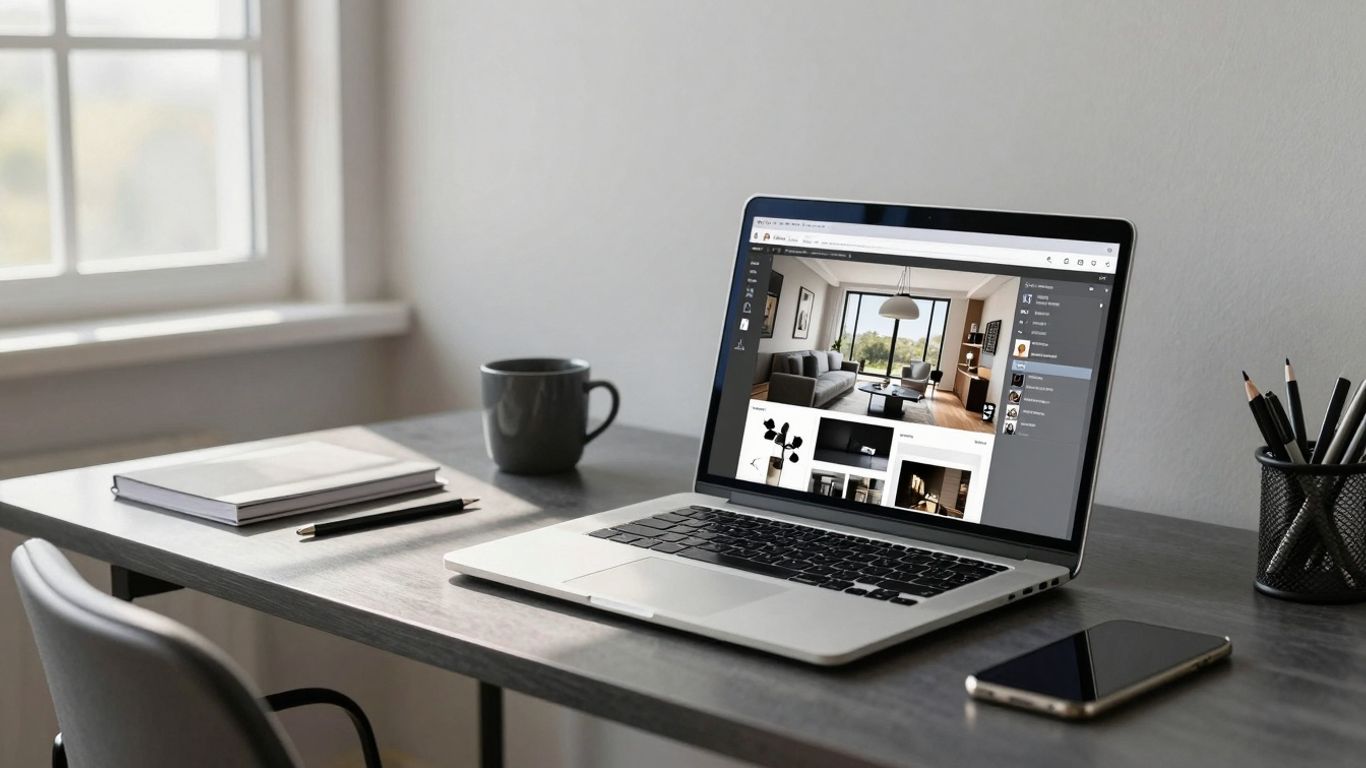
Working remotely as an interior designer means you're not just designing spaces, you're also designing how you connect with people. It’s about making sure everyone’s on the same page, even when you’re miles apart. Think of it like this: you wouldn't build a house without a solid blueprint and clear instructions, right? The same goes for remote design work. You need the right ways to talk and work together.
Effective Client Communication Strategies
Keeping clients in the loop is super important. It builds trust and makes sure the final design is what they actually want. You’ve got to be clear and consistent.
- Set Expectations Early: From the first chat, lay out how you’ll communicate, what updates they can expect, and when. This avoids surprises later.
- Regular Updates: Don't leave them hanging. Send weekly summaries, progress photos, or short video walkthroughs of your design concepts.
- Be Responsive: Aim to answer emails or messages within a business day. If you need more time, let them know.
- Use Visuals: Share mood boards, 3D renderings, and material samples digitally. Tools that let clients easily give feedback are a lifesaver.
Clear communication isn't just about sending messages; it's about making sure those messages are understood and acted upon. It's the glue that holds remote projects together.
Collaborating with Remote Teams
If you're working with other designers, contractors, or suppliers remotely, you need systems that keep everyone aligned. Project management tools are your best friend here. They help track tasks, deadlines, and responsibilities.
- Centralized Project Hub: Use a platform like Asana or Trello to manage all project tasks, assign them to team members, and set clear deadlines.
- Shared Document Storage: Keep all project files, notes, and revisions in one accessible place. Cloud storage services work well for this.
- Regular Check-ins: Schedule brief, regular meetings (daily or weekly, depending on the project pace) to discuss progress, roadblocks, and next steps.
Utilizing Video Conferencing Tools
Video calls are the next best thing to being in person. They help build rapport and allow for more nuanced discussions than text alone.
- Prepare an Agenda: For client or team meetings, have a clear agenda so you can cover everything efficiently.
- Use Screen Sharing: This is fantastic for walking clients or colleagues through designs, software, or specific details. It makes abstract ideas much more concrete.
- Test Your Tech: Always do a quick audio and video check before a call, especially important ones. Nothing kills momentum like technical glitches.
Remember, mastering online communication and collaboration is an ongoing process. By using the right tools and adopting clear strategies, you can build strong relationships and deliver fantastic designs, no matter the distance.
Time Management and Motivation for Remote Designers
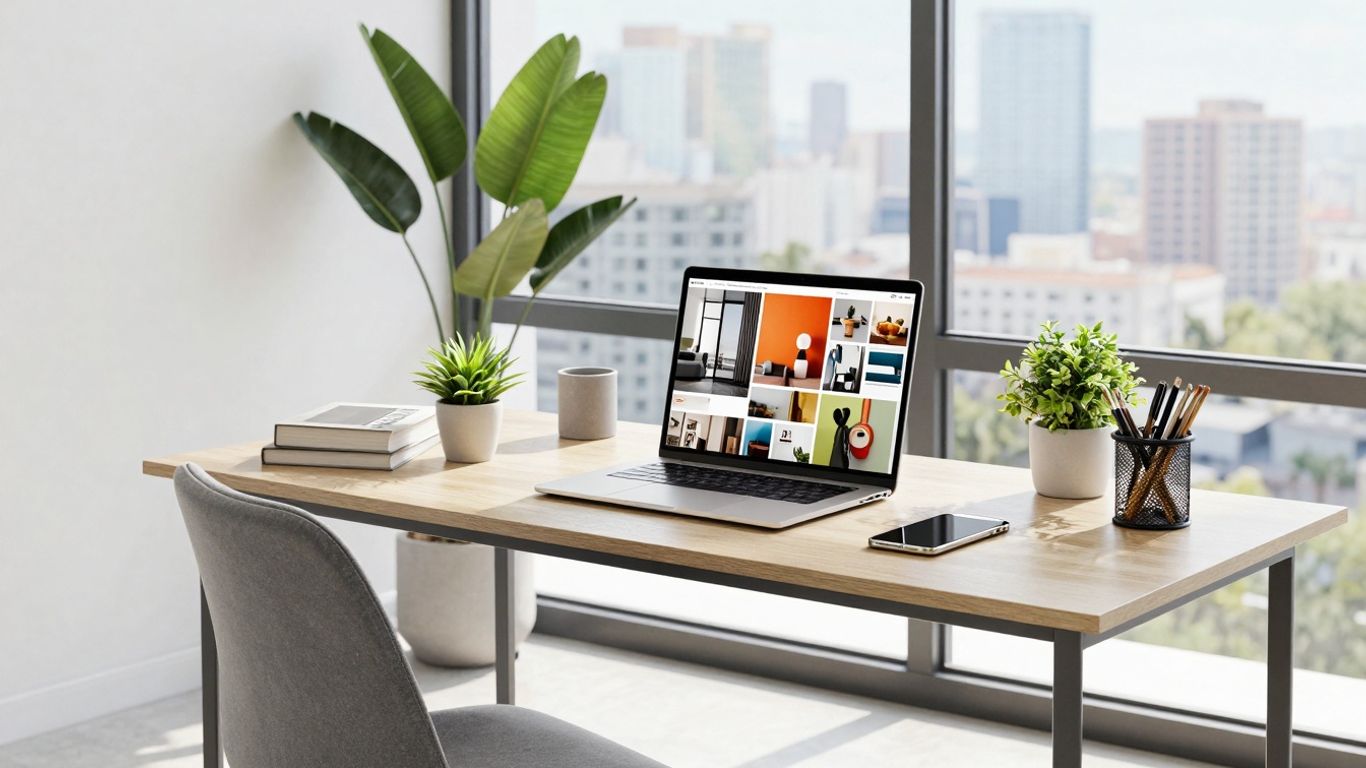
Working from home as an interior designer offers a lot of freedom, but it also means you're the boss of your own schedule and your own drive. It's easy to let days blur together or get sidetracked by household chores. Sticking to a plan and keeping your spirits up are key to making this setup work.
Developing a Consistent Work Schedule
Creating a routine is more important than you might think when you're working remotely. It helps set boundaries between your work life and your personal life, which can get pretty fuzzy when your office is also your living room. Try to set specific start and end times for your workday, just like you would in a traditional office. This helps train your brain to switch into work mode and then switch off again.
- Set clear start and end times: Decide when your workday begins and finishes. Stick to it as much as possible.
- Schedule breaks: Plan short breaks throughout the day to step away from your screen. A quick walk or stretching can do wonders.
- Block out time for specific tasks: Dedicate chunks of time for client calls, design work, administrative tasks, and even creative thinking.
- Plan your week ahead: On Sunday evening or Monday morning, map out your priorities and key tasks for the week.
Techniques for Staying Focused and Productive
Distractions are everywhere when you work from home. The laundry pile, the tempting Netflix queue, or even just the urge to tidy up can pull you away from your design projects. Finding ways to stay on track is a constant effort.
One popular method is the Pomodoro Technique. You work intensely for a set period, usually 25 minutes, and then take a short 5-minute break. After four of these cycles, you take a longer break. It sounds simple, but breaking work into these manageable chunks can really help you power through tasks without feeling overwhelmed.
It's about creating focused bursts of activity followed by necessary rest. This approach helps maintain mental energy and prevents burnout, making even complex design challenges feel more approachable.
Here are a few other ideas:
- Time Blocking: Allocate specific blocks of time in your calendar for different types of work. Treat these blocks like appointments you can't miss.
- Task Batching: Group similar tasks together. For example, answer all emails at a specific time, make all phone calls together, or do all your invoicing in one go.
- Minimize Digital Distractions: Turn off non-essential notifications on your phone and computer. Consider using website blockers if certain sites are too tempting.
Combating Isolation and Maintaining Motivation
Let's be honest, working alone all day can get lonely. You miss out on the casual office chats and the general buzz of a shared workspace. This isolation can really chip away at your motivation over time.
- Connect with Colleagues: Make an effort to schedule virtual coffee breaks or quick chats with other designers or former colleagues. Even a brief conversation can make a difference.
- Join Online Communities: Participate in online forums, social media groups, or professional organizations for interior designers. Sharing challenges and successes with peers can be incredibly motivating.
- Set Small, Achievable Goals: Break down larger projects into smaller steps. Celebrating the completion of each small step provides a sense of accomplishment and keeps momentum going.
- Reward Yourself: Acknowledge your hard work. When you hit a milestone or complete a tough project, give yourself a small reward – maybe a nice meal out, a new book, or some dedicated downtime.
- Change Your Scenery: If possible, occasionally work from a co-working space, a library, or a coffee shop for a few hours. A change of environment can refresh your perspective and boost your energy.
Building Your Online Interior Design Presence
So, you're working remotely as an interior designer. That's pretty cool, right? But how do you actually get noticed when you're not physically meeting clients or showing up at design shows? It's all about building your online footprint. Think of it like creating a digital storefront for your design skills. Your online presence is your handshake, your portfolio, and your networking hub all rolled into one.
Showcasing Your Work in a Digital Portfolio
This is probably the most important part. You need a place to show off what you can do. A good portfolio isn't just a collection of pretty pictures; it tells a story about your design process and your style. When you're working remotely, this digital space becomes your primary way of impressing potential clients.
- High-Quality Images: Use professional photos or realistic renderings of your projects. Good lighting and clear shots are a must.
- Project Descriptions: Don't just show the final look. Explain the client's brief, your design challenges, and how you solved them. Talk about the materials you chose and why.
- Variety: Show a range of projects if you have them – different styles, budgets, and room types. This proves you're adaptable.
- Testimonials: Include quotes from happy clients. Social proof goes a long way.
Consider building your portfolio on a platform like Behance or even your own website. A dedicated website feels more professional and gives you more control. You can even include virtual tours or 3D models if you're tech-savvy.
Networking Within Online Design Communities
Being a remote designer doesn't mean you have to work in a bubble. There are tons of online communities where designers hang out, share ideas, and even find work. It's like the digital version of attending industry events.
- Forums and Groups: Join platforms like Houzz Pro, design-specific subreddits, or Facebook groups for interior designers. Participate actively, answer questions, and share your insights.
- Collaborate: Look for opportunities to collaborate with other remote professionals, like graphic designers or web developers, on projects. This can expand your reach.
- Virtual Events: Attend online webinars, workshops, and conferences. These are great for learning and connecting with peers.
Building connections online takes time and genuine interaction. Don't just pop in to promote yourself; be a helpful member of the community. People are more likely to remember and recommend someone who adds value.
Leveraging Social Media for Client Acquisition
Social media is a powerful tool for interior designers, especially when you're working remotely. It's where potential clients are scrolling for inspiration and looking for professionals.
- Choose Your Platforms: Focus on visually driven platforms like Instagram and Pinterest. LinkedIn can be good for professional connections and B2B clients.
- Consistent Posting: Share snippets of your work, behind-the-scenes glimpses of your process, design tips, and inspiration. Use relevant hashtags to increase visibility.
- Engage: Respond to comments and messages promptly. Engage with other accounts, especially those of potential clients or complementary businesses.
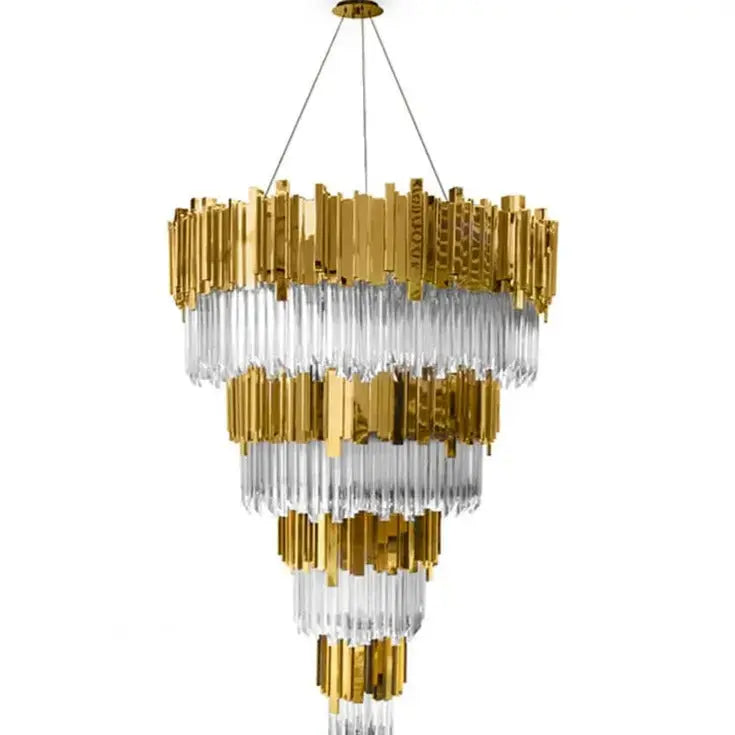
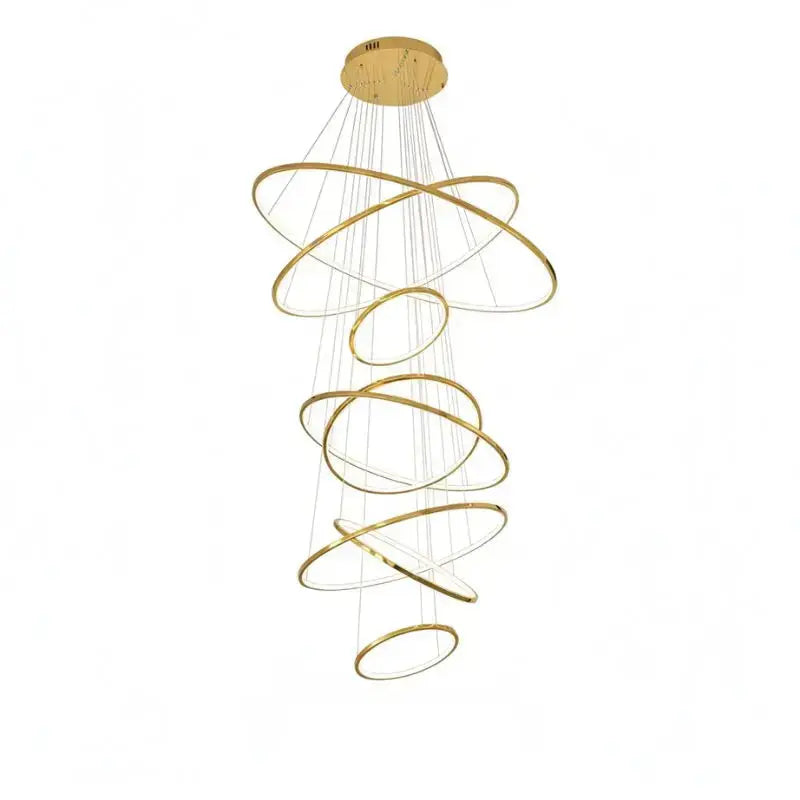
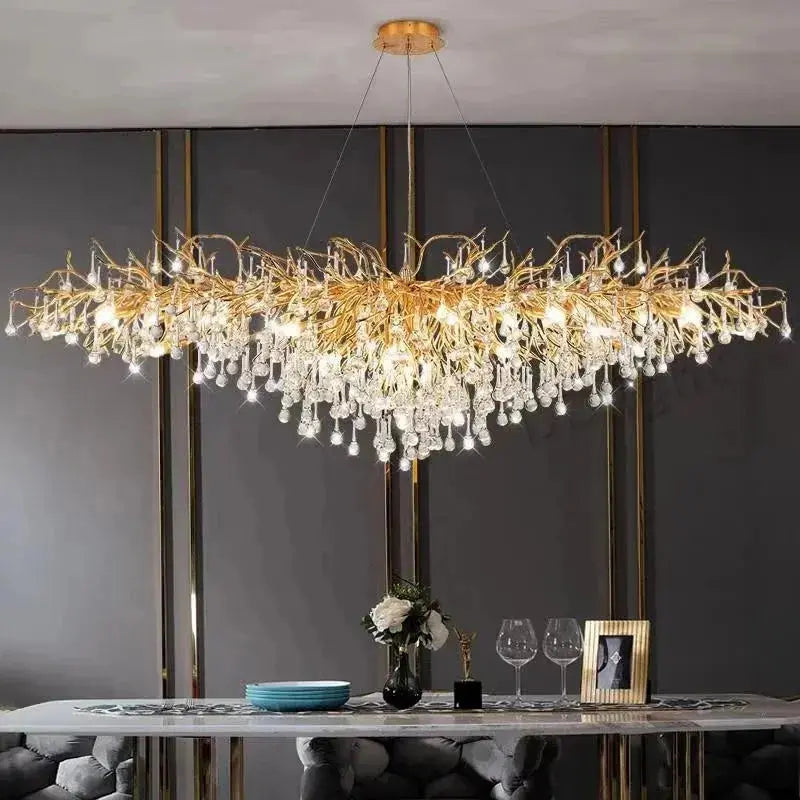
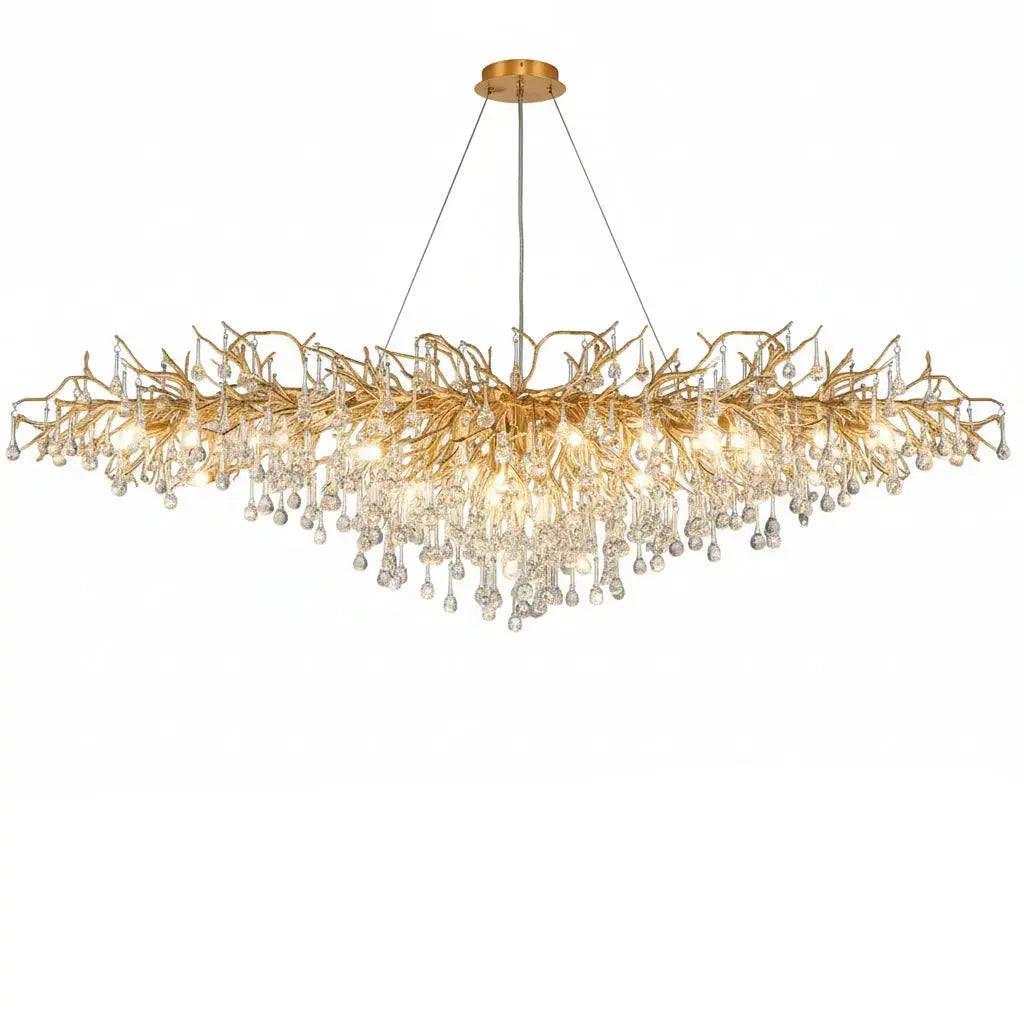
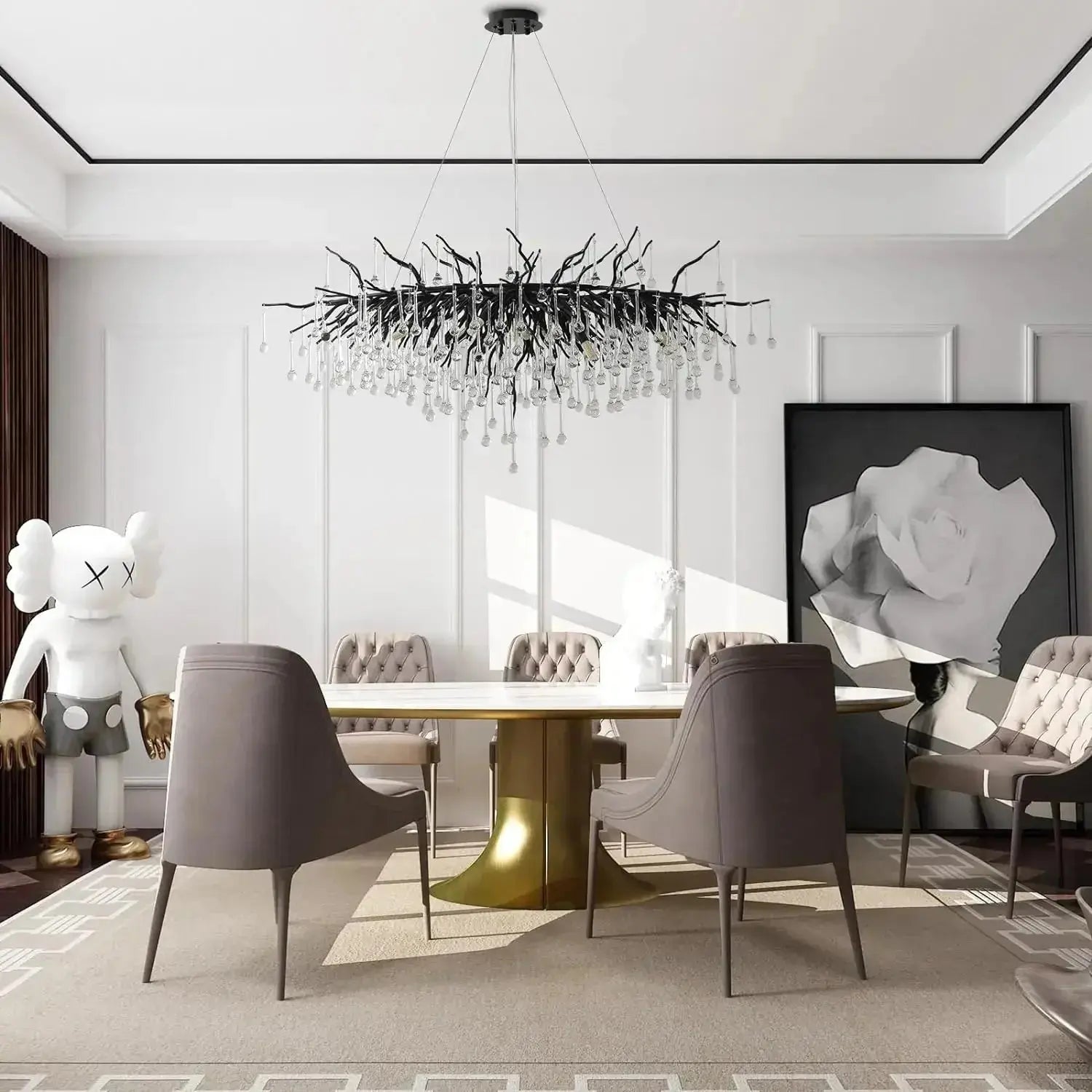
- Run Targeted Ads: Once you have a good grasp of your ideal client, consider running targeted ads on platforms like Instagram to reach a wider audience interested in your specific style. You might even find inspiration for unique lighting fixtures, like this acrylic chandelier.
Think of your social media as a dynamic, ongoing portfolio and a direct line to potential clients. It's about showing your personality and your design eye in a way that feels authentic and approachable.
Navigating Remote Interior Design Opportunities
Finding your place in the world of remote interior design means knowing where to look and how to present yourself. It’s not just about having great design skills anymore; it’s also about being tech-savvy and adaptable. The good news is, there are more avenues than ever to connect with clients and projects from your own space.
Finding Remote Design Job Boards
Job boards specifically for remote work are a great starting point. These sites often filter out positions that aren't truly remote, saving you time. Look for boards that focus on creative industries or offer general remote listings. Some popular ones include:
- Remote.co
- We Work Remotely
- FlexJobs (requires a subscription)
- LinkedIn (use the "remote" filter)
When you find a listing, pay close attention to the description. Does it mention specific software they use? What are the expected communication methods? These details can give you clues about the company culture and whether it’s a good fit.
Understanding Freelance Platforms
Freelance platforms are another major way to find remote interior design gigs. These sites connect designers directly with clients looking for specific projects. You create a profile, showcase your portfolio, and bid on projects or wait for clients to reach out. Some platforms are more general, while others cater to creative professionals.
- Upwork: A huge platform with a wide range of projects, from small tasks to long-term contracts. You'll need to craft compelling proposals.
- Fiverr: Known for its "gig"-based model, where you offer specific services at set prices. This can be good for clearly defined services like mood boards or 3D renderings.
- Toptal: This platform is more selective and focuses on top-tier freelance talent. If you have a strong portfolio and experience, it can lead to higher-paying, more involved projects.
Remember that on these platforms, your profile and portfolio are your resume. Make them shine! Also, be aware of the platform fees, which can take a percentage of your earnings.
Preparing for Virtual Design Interviews
Interviews for remote positions are usually conducted via video call. This means your setup matters. Make sure you have a stable internet connection and a quiet space free from distractions. Test your camera and microphone beforehand. Treat a virtual interview with the same seriousness as an in-person one.
Here’s a quick checklist for virtual interview prep:
- Test Your Tech: Ensure your webcam, microphone, and internet are working perfectly.
- Choose Your Space: Find a well-lit, quiet area with a neutral background.
- Dress Professionally: Even though you're at home, dress as you would for an in-person interview.
- Research the Company: Understand their style, clients, and values.
- Prepare Your Portfolio: Be ready to share your screen and walk through specific projects, explaining your design choices and how you collaborated remotely.
Be ready to discuss how you handle communication challenges, manage your time without direct supervision, and use digital tools to present your ideas. Employers want to know you can be productive and professional from afar.
Wrapping It Up
So, we've gone over a lot of ground here, covering how to get your remote interior design business humming. It’s not just about having a knack for design anymore; it's about knowing how to use the right tools, talk to clients clearly online, and keep yourself on track. Remember, setting up a good workspace at home makes a huge difference, and staying connected with others in the field helps too. The world of design is changing, and working from anywhere is totally doable. Keep learning, keep adapting, and you'll be well on your way to a successful remote design career.
Frequently Asked Questions
What is online interior design?
Online interior design is like having a designer help you make your home look great, but you do it all over the internet! Instead of meeting in person, your designer uses video calls, emails, and special design apps to understand what you like and create a plan for your space. They can show you how furniture will look, pick out colors, and suggest decor, all without visiting your home.
Do I still get to pick things out?
Absolutely! Your designer is there to guide you and offer expert advice, but you're always in charge of what you like. They'll show you options based on your style and budget, and you get to say yes or no to everything. It's a team effort to make your space perfect for you.
How do online designers know my style?
Good question! Your designer will ask you lots of questions about your favorite colors, styles, and what you do in your home. They might also ask you to share pictures of rooms you love or fill out a style quiz. This helps them get a clear picture of what you're looking for.
What kind of tools do online designers use?
They use cool digital tools! Think of apps that let them create 3D models of your room, making it easy to see how furniture will fit. They also use special software to create mood boards (like a collage of ideas) and communication apps to chat with you and share updates.
Is online interior design cheaper than traditional design?
Often, yes! Since designers don't have to travel to your home as much, they can save time and money, and they can pass those savings on to you. Plus, you might be able to work with designers from anywhere, not just in your local area, which can give you more choices.
How long does an online interior design project take?
It really depends on the project's size and how quickly you give feedback. Simple projects, like designing just one room, might take a few weeks. Bigger projects, like redesigning your whole house, could take a couple of months. Your designer will give you a better idea once they know what you need.